
This post is part of the Self-Hosting Without Pain series
A real-world guide to running Immich, Nextcloud, Jellyfin, and more using Cloudflare, Tailscale, and Proxmox — without broken uploads, buffering, or exposed ports.
If you self-host Nextcloud long enough, you eventually hit that moment.
You upload a big file.
It stalls at 98%.
You retry.
It fails again.
And then you start blaming PHP, Nginx, memory limits, your ISP, the moon… until you realize:
“Oh. Cloudflare is in the middle again.”
This post is the Nextcloud version of my Immich setup — and honestly, it works even better.
The core problem (and why it’s not really Nextcloud’s fault)
Cloudflare Tunnel is great. I still use it.
But it was never designed for heavy, long-lived uploads.
With Nextcloud, that usually shows up as:
- Large uploads are randomly failing
- Desktop sync clients are slowing down
- WebDAV behaving… weird
- Timeouts you can’t fully control
You can tweak limits forever, but at some point you’re fighting the wrong layer.
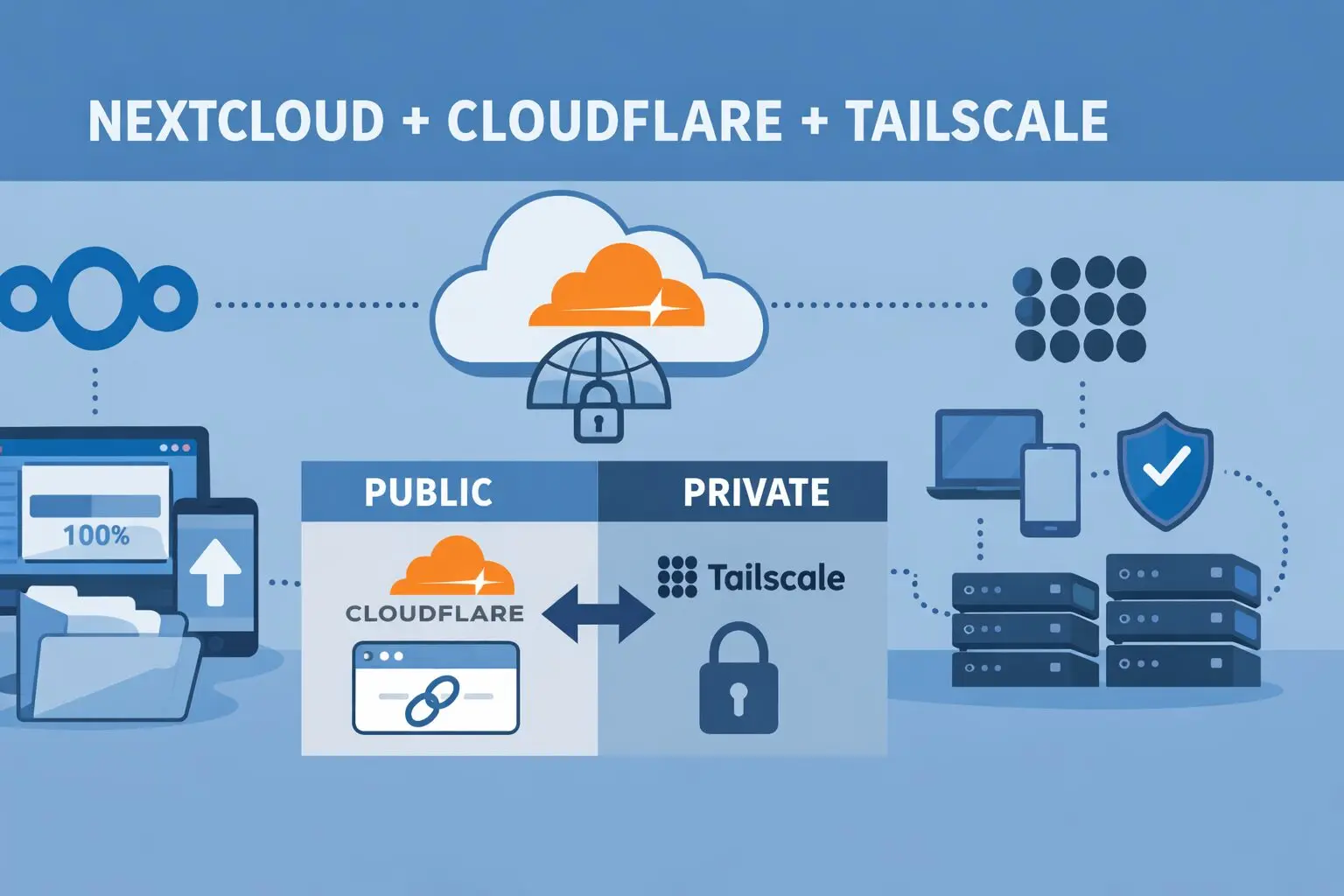
So instead of forcing everything through Cloudflare, I split the traffic.
The mindset shift that fixed everything
Instead of asking:
“How do I make Cloudflare better for uploads?”
Ask:
“Which traffic actually needs to be public?”
Turns out… not much.
What needs to be public?
- Share links
- File drop links
- Read-only access for others
What doesn’t?
- Sync clients
- Mobile apps
- Admin access
- Big uploads
- WebDAV
Once you separate those, everything clicks.
The setup (simple, effective)
🔹 Public access → Cloudflare Tunnel
- Domain like:
https://cloud.example.xyz - Used for:
- Public shares
- Occasional browser access
- No open ports
- Real IP hidden
- Existing links keep working
🔹 Private access → Tailscale (via Proxmox)
- Tailscale is installed on the Proxmox host
- Proxmox acts as a subnet router
- All VMs (Nextcloud, Jellyfin, Immich) are reachable privately
- Used for:
- Desktop sync
- Mobile app
- Large uploads
- Admin tasks
This way:
- Cloudflare handles visibility
- Tailscale handles reliability
“Wait… can Nextcloud handle public links like this?”
Yes — and this is where Nextcloud shines.
Nextcloud has native public sharing:
- File links
- Folder links
- Password protection
- Expiry dates
- Upload-only links (File Drop)
Example:
https://cloud.example.xyz/s/AbC123XYZ
No login. No Tailscale. Just works.
That means:
- Friends
- Clients
- Family
…don’t need to know (or care) how your server is wired.
The one setting you MUST get right
This part matters more than people think.
In config.php:
As I use coolify, my config.php file available inside the docker container at: /config/www/nextcloud/config

'overwrite.cli.url' => 'https://cloud.example.xyz',
'overwritehost' => 'cloud.example.xyz',
'overwriteprotocol' => 'https',
Why?
Because without this:
- Share links might use internal IPs
- Emails may leak private addresses
- Some clients behave inconsistently
With it:
- All public URLs stay clean
- Old links keep working
- Life is peaceful again
What changed after this setup
Honestly? Night and day.
- Large uploads just… upload
- Desktop sync is fast and stable
- Mobile app stops randomly failing
- Public shares still work
- No ports opened on my router
- Way fewer “why is this broken?” moments
And the best part:
I stopped babysitting Nextcloud.
Why this works so well on Proxmox
Putting Tailscale on the Proxmox host (not each VM) means:
- One install
- One place to manage access
- All VMs benefit automatically
Final thoughts
If you’re self-hosting Nextcloud and pushing real data through it:
- Cloudflare Tunnel is great for sharing
- Tailscale is perfect for working
- Mixing them blindly causes pain
- Separating responsibilities fixes it
This setup feels like how Nextcloud wants to be used — public where needed, private where it matters.
Up next in the series:
- Immich Upload Limit Fix: Cloudflare Tunnel + Tailscale on Proxmox (Best Practice)
- Jellyfin, Cloudflare, and Tailscale: Stop Buffering and Streaming Headaches
If you self-host and have ever said “this should be simpler” — this series is for you.

Mohammad Dahamshi is a skilled Embedded Software Engineer and web developer. With experience in C/C++, Linux, WordPress, and DevOps tools, he helps businesses solve technical challenges and build reliable digital solutions. Fluent in Arabic, Hebrew, and English, he also runs Saratec, offering web design and digital marketing services.
[…] ➡️ Nextcloud deep dive → […]
[…] Nextcloud, Cloudflare, and Tailscale: How I Finally Stopped Fighting Upload Limits […]
[…] Nextcloud, Cloudflare, and Tailscale: How I Finally Stopped Fighting Upload Limits […]