Tech & Linux Tutorials, WordPress Tips & Developer Guides
Practical tutorials on WordPress, Linux, web development, performance, self-hosting, virtualization, and full-stack CLI tools — written for developers & builders.
Read Latest Articles
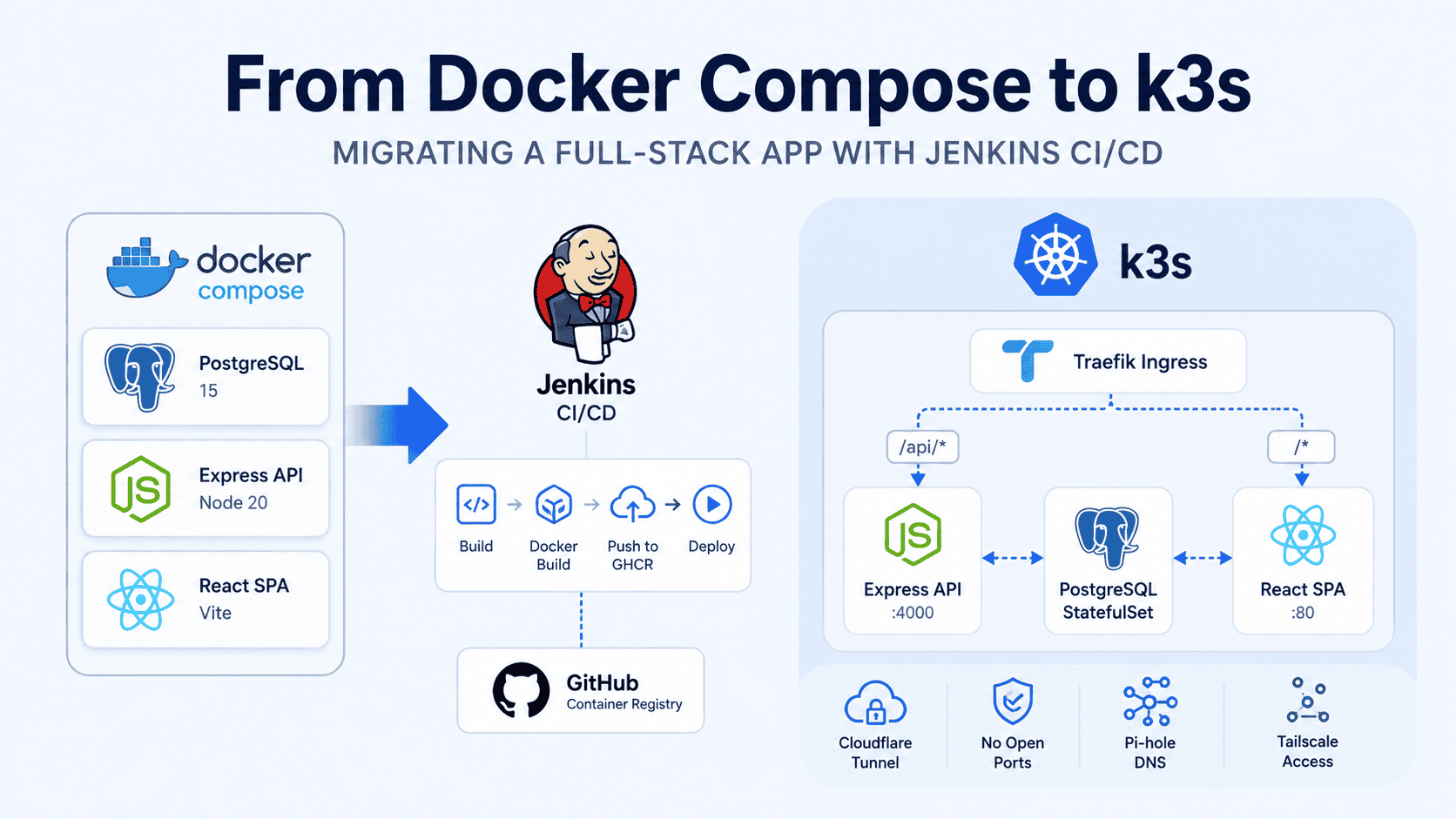
From Docker Compose to k3s: Migrating a Full-Stack App with Jenkins CI/CD
9–13 minutesRead more: From Docker Compose to k3s: Migrating a Full-Stack App with Jenkins CI/CDSix months ago, my app was running on Coolify behind a Cloudflare Tunnel. Deploys were automatic — every push to my self-hosted Gitea triggered a…
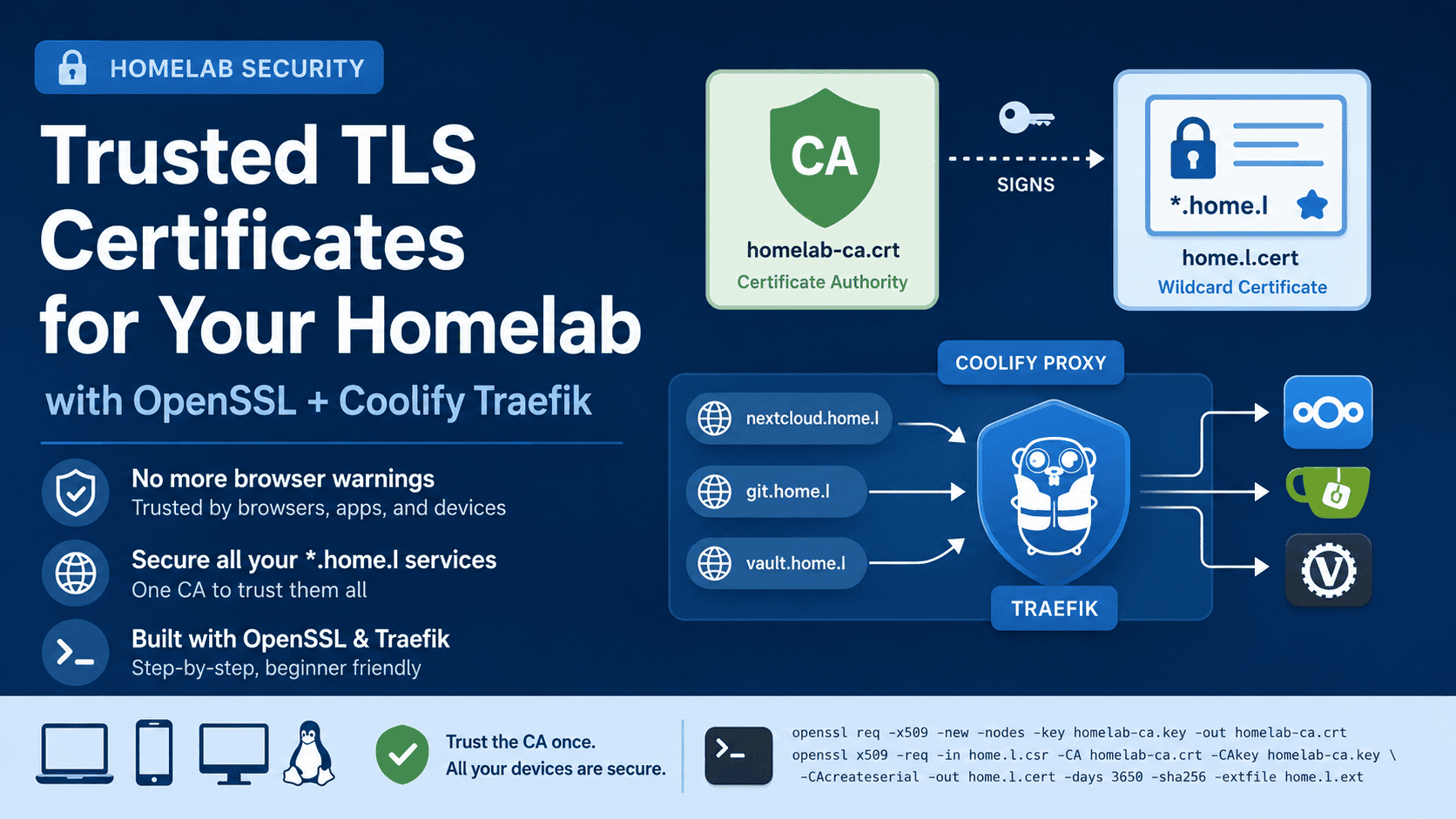
How to Set Up Trusted HTTPS for Local Homelab Domains (Coolify + Traefik)
4–6 minutesRead more: How to Set Up Trusted HTTPS for Local Homelab Domains (Coolify + Traefik)If you’re running self-hosted services in your homelab — Nextcloud, Gitea, Vaultwarden, or anything else — you’ve probably run into the dreaded “Your connection is…
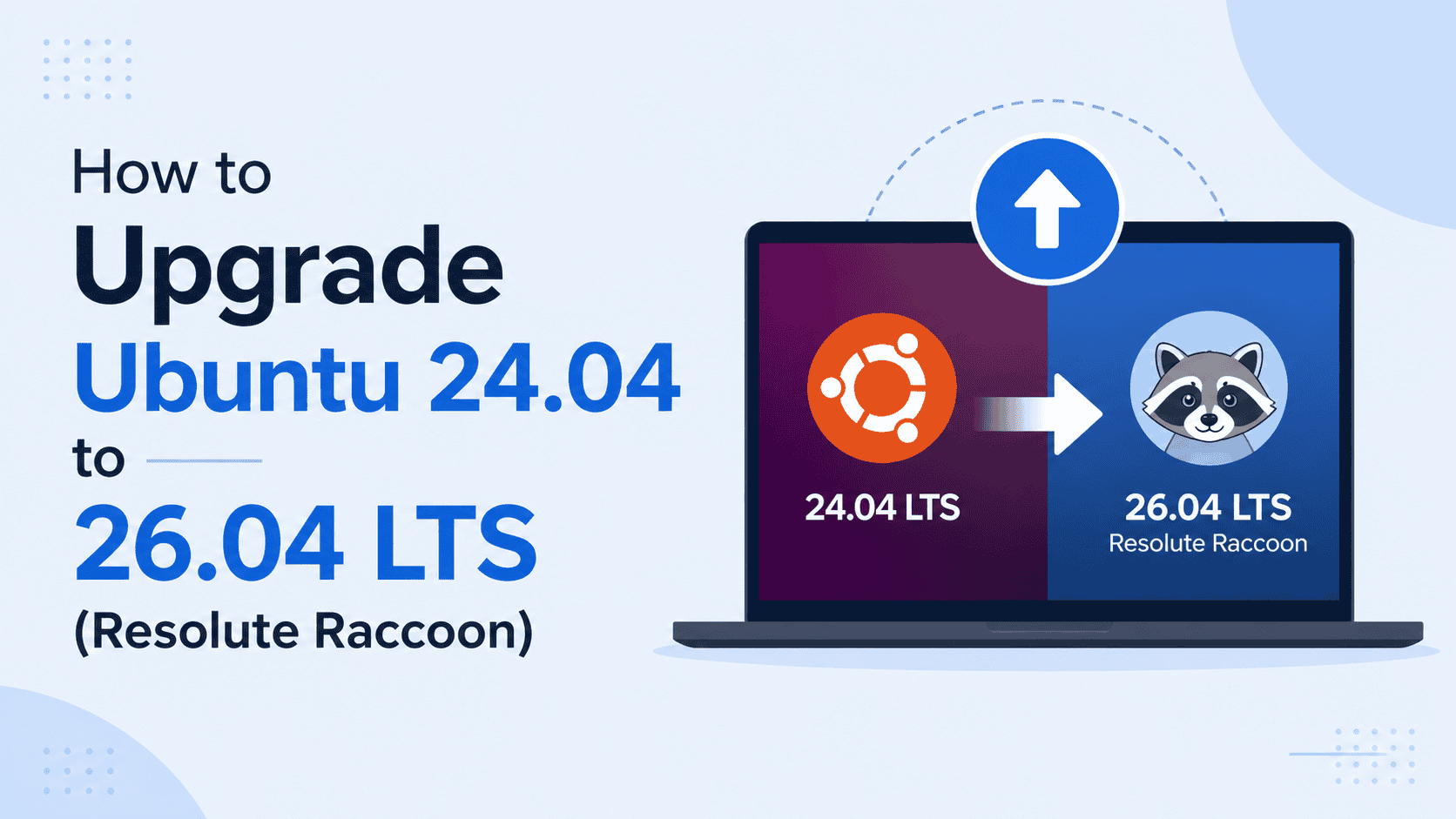
How to Upgrade Ubuntu 24.04 to 26.04 LTS (Resolute Raccoon)
11–17 minutesRead more: How to Upgrade Ubuntu 24.04 to 26.04 LTS (Resolute Raccoon)So Ubuntu 26.04 LTS is finally here. Resolute Raccoon dropped on April 23, 2026, and honestly, this one is worth getting excited about — GNOME…

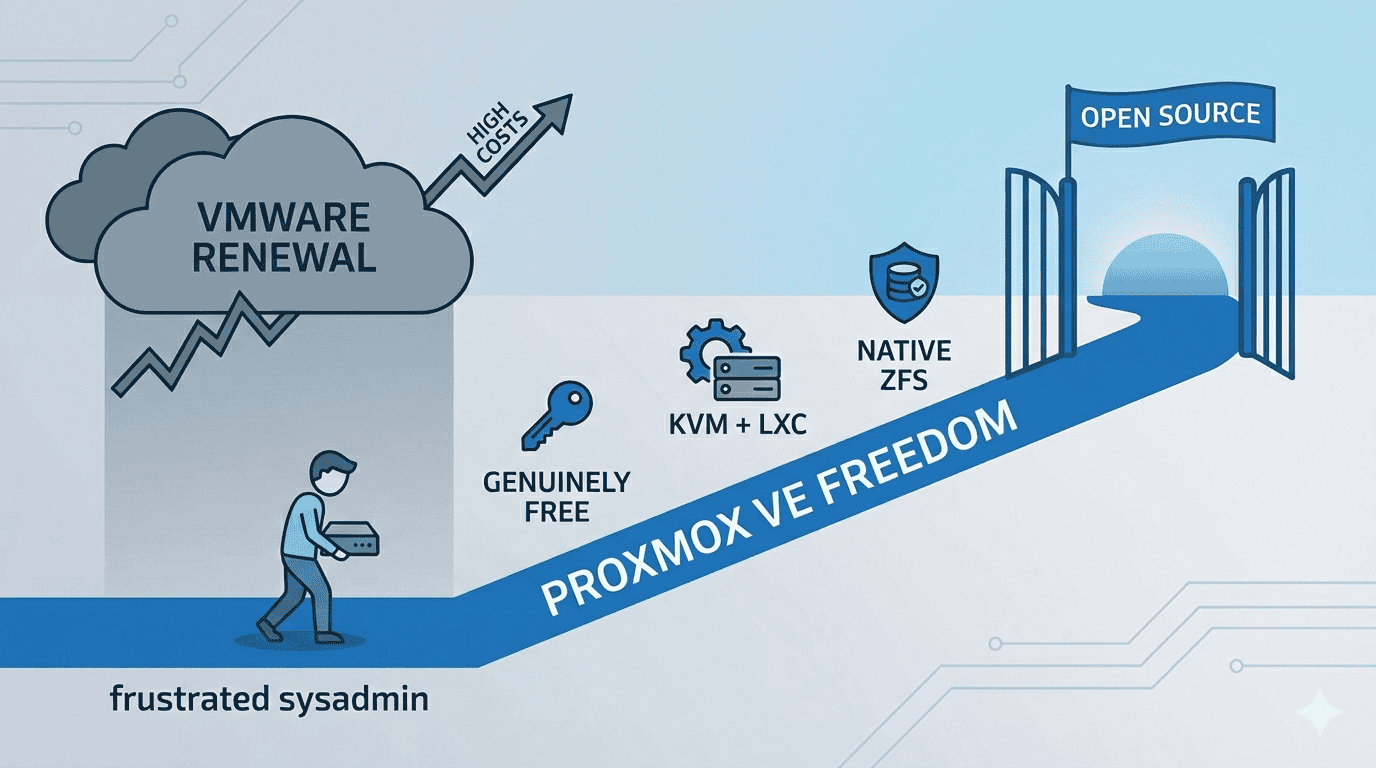
Escape the VMware Tax: How to Migrate from VMware ESXi to Proxmox VE in 2026
12–18 minutesRead more: Escape the VMware Tax: How to Migrate from VMware ESXi to Proxmox VE in 2026A complete, no-fluff guide — from frustrated sysadmin to Proxmox freedom 1. The Email Nobody Wanted to Open Picture this: It’s a regular Tuesday morning.…

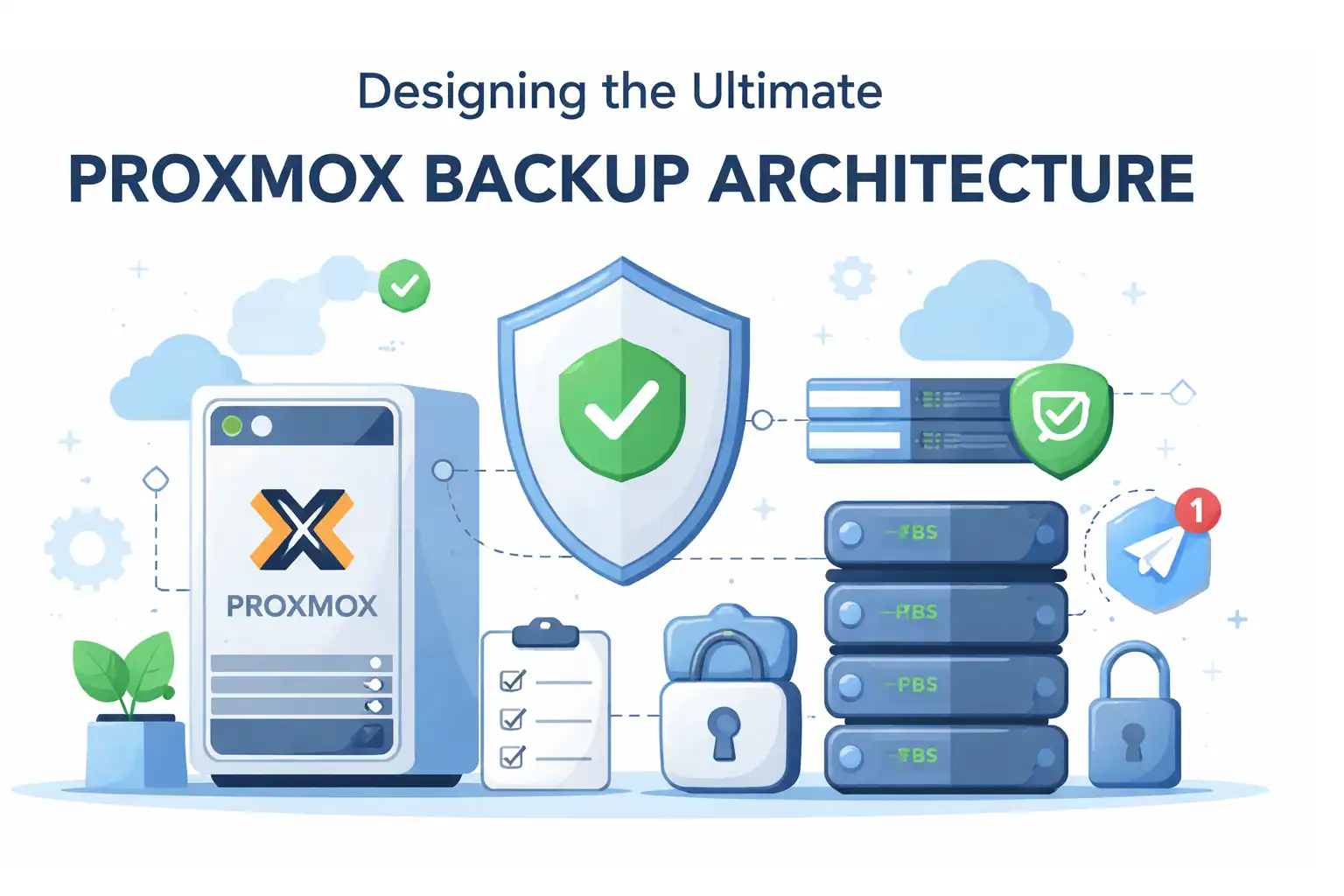
The Ultimate Proxmox Backup Architecture Series | ZFS • PBS • Automation • Telegram Alerts 2026 Edition
3–4 minutesRead more: The Ultimate Proxmox Backup Architecture Series | ZFS • PBS • Automation • Telegram Alerts 2026 EditionFor a long time, I thought my homelab backups were solid. I had scheduled jobs.I had green checkmarks.Everything looked clean in the Proxmox UI. And…
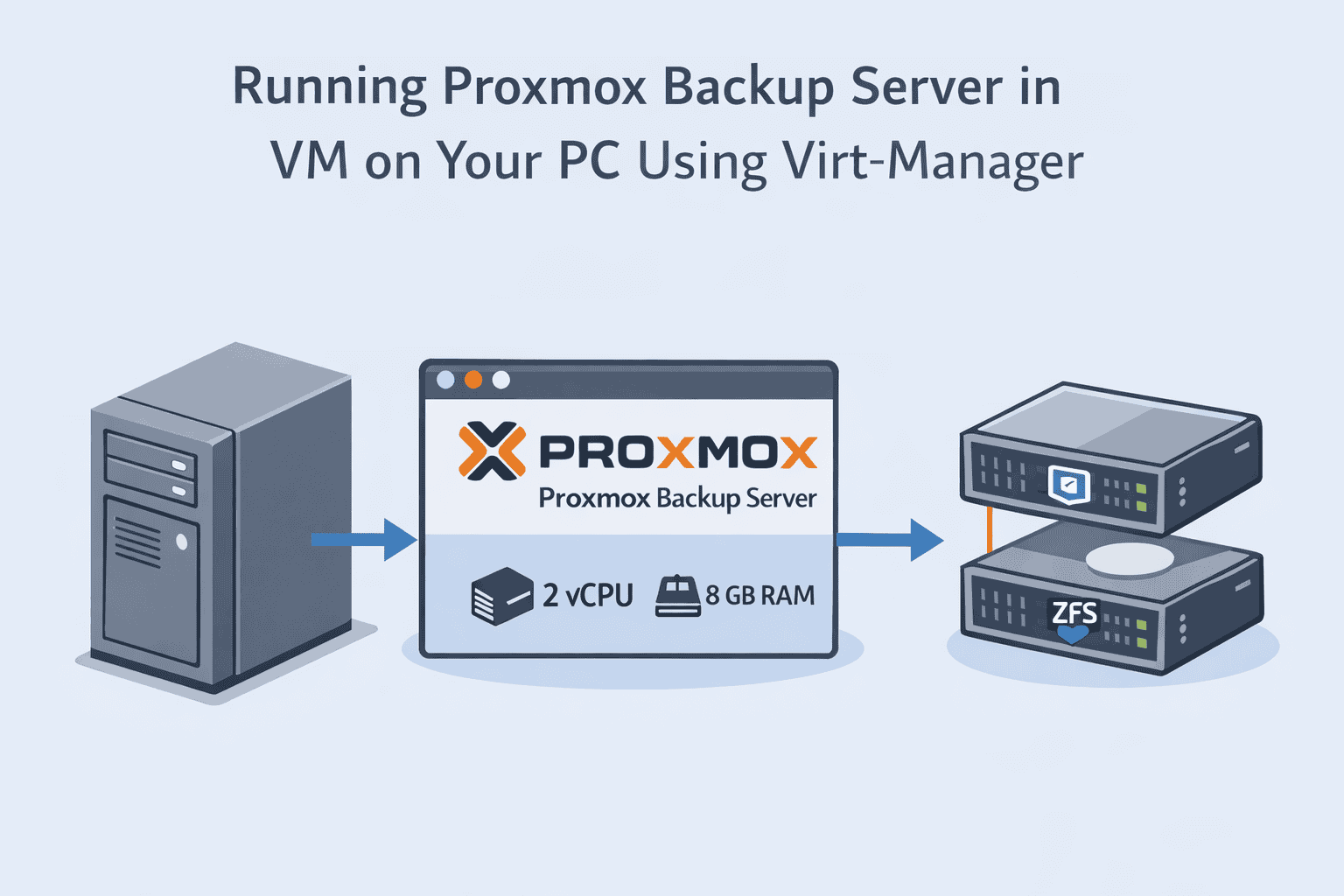
Running Proxmox Backup Server on Your Main PC Using Virt-Manager (Off-Host PBS Setup)
3–4 minutesRead more: Running Proxmox Backup Server on Your Main PC Using Virt-Manager (Off-Host PBS Setup)Running PBS on the same server as your production VMs is risky. If the host fails, your backups fail too. But you don’t need to…
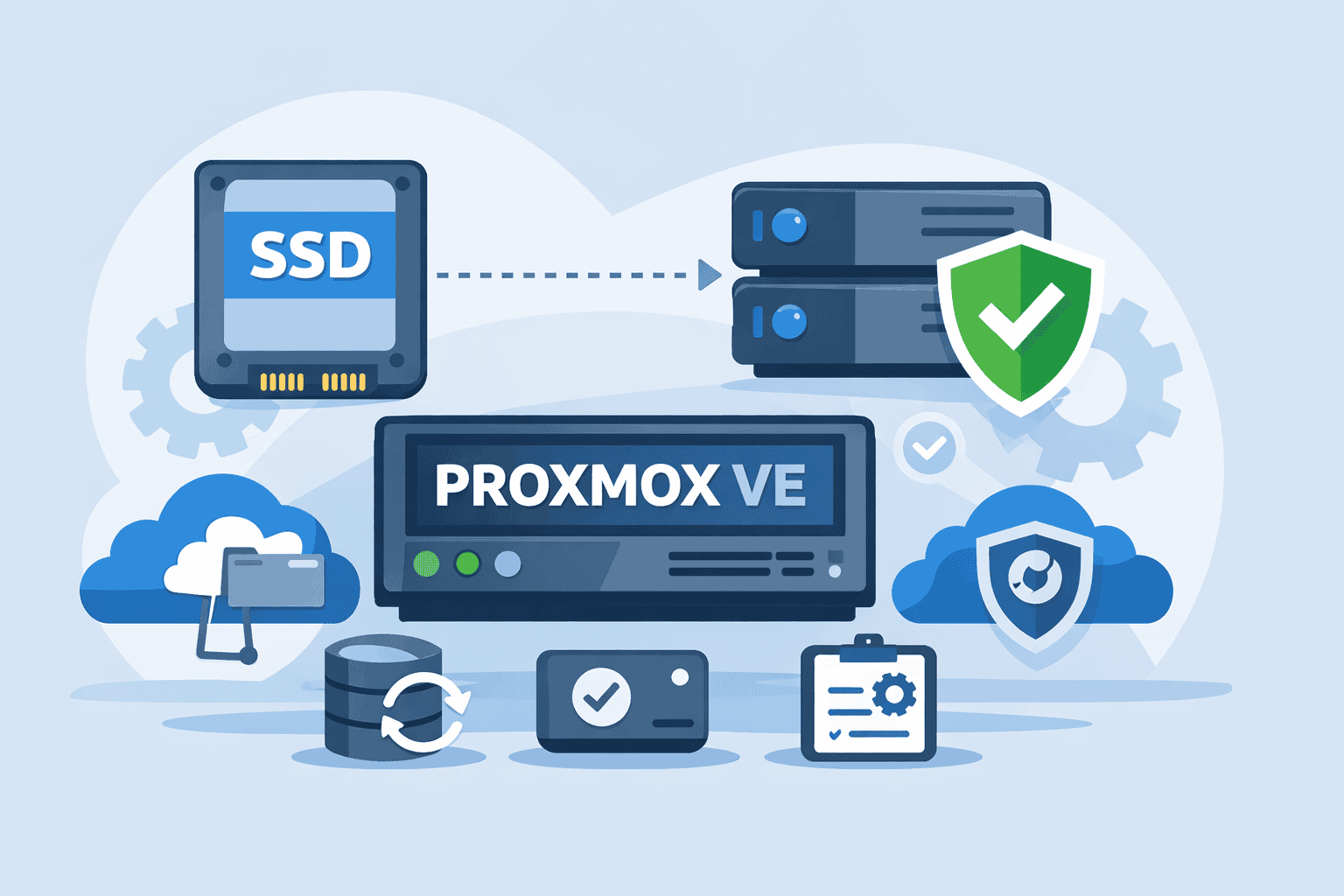
Installing Proxmox VE with SSD VM Storage and ZFS HDD Mirror for Data (Best Homelab Layout)
4–6 minutesRead more: Installing Proxmox VE with SSD VM Storage and ZFS HDD Mirror for Data (Best Homelab Layout)In Part 1, we designed a complete enterprise-style backup architecture for homelabs using: Now it’s time to build the foundation that makes all of this…
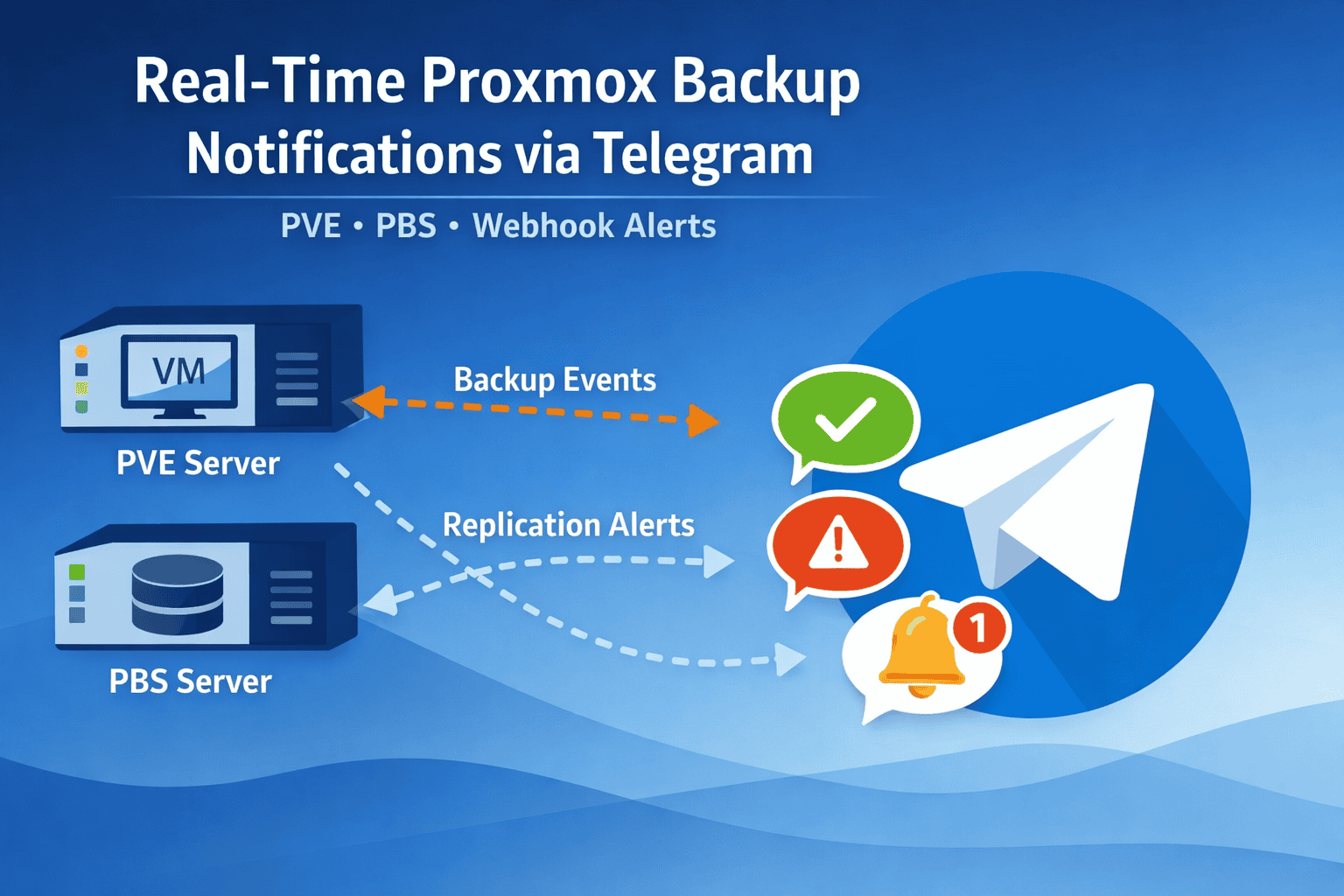
Real-Time Proxmox Backup Notifications via Telegram (PVE + PBS)
2–3 minutesRead more: Real-Time Proxmox Backup Notifications via Telegram (PVE + PBS)Why Telegram Notifications Matter Even a small backup failure can go unnoticed without alerts. Telegram notifications give you: Example scenarios: Using Built-In PVE and PBS…
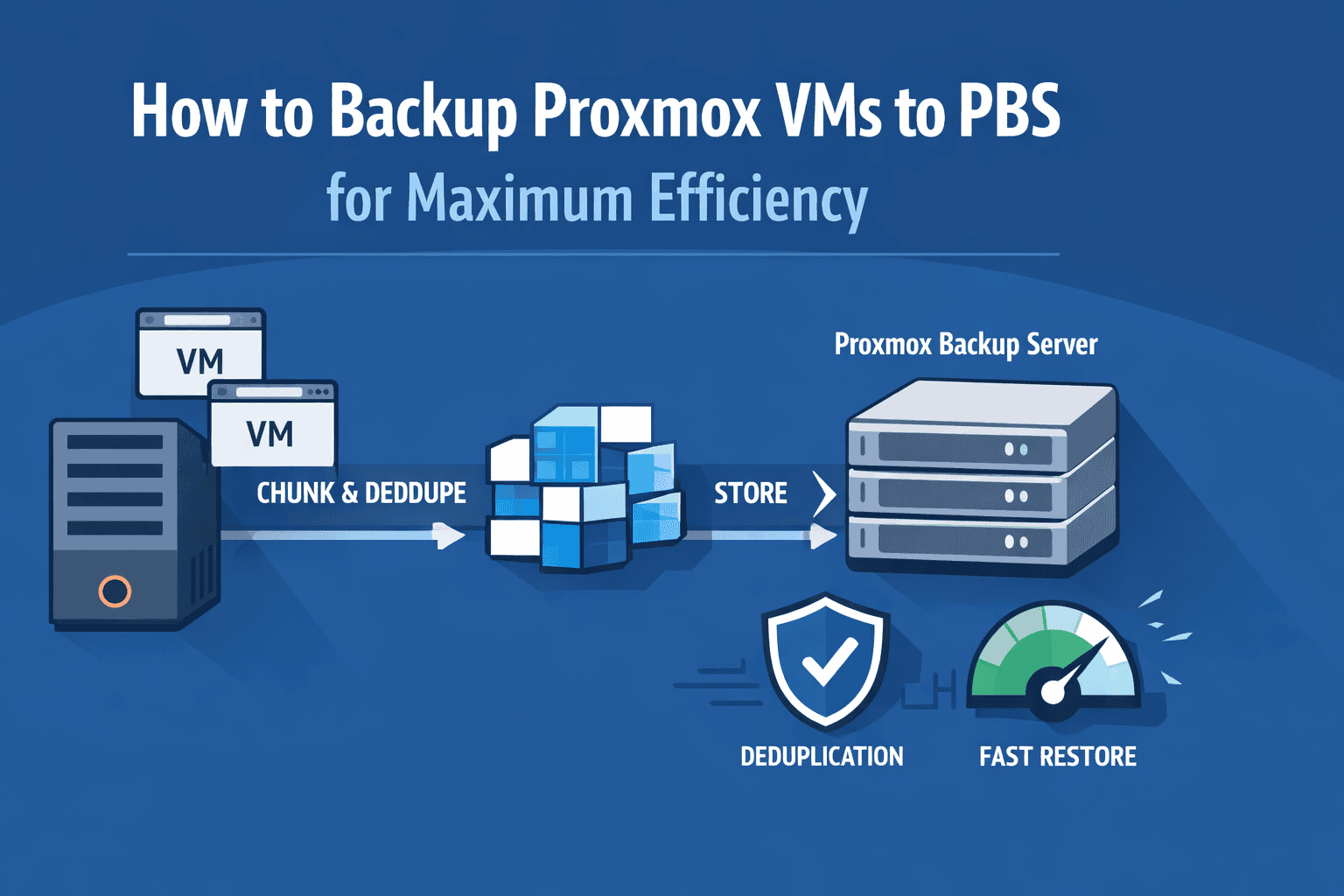
How to Backup Proxmox VMs to PBS for Maximum Efficiency
4–6 minutesRead more: How to Backup Proxmox VMs to PBS for Maximum EfficiencyThe Reality of Typical Homelab Backups Most homelab backups start the same way: You schedule nightly backups… and everything looks fine — until you actually…
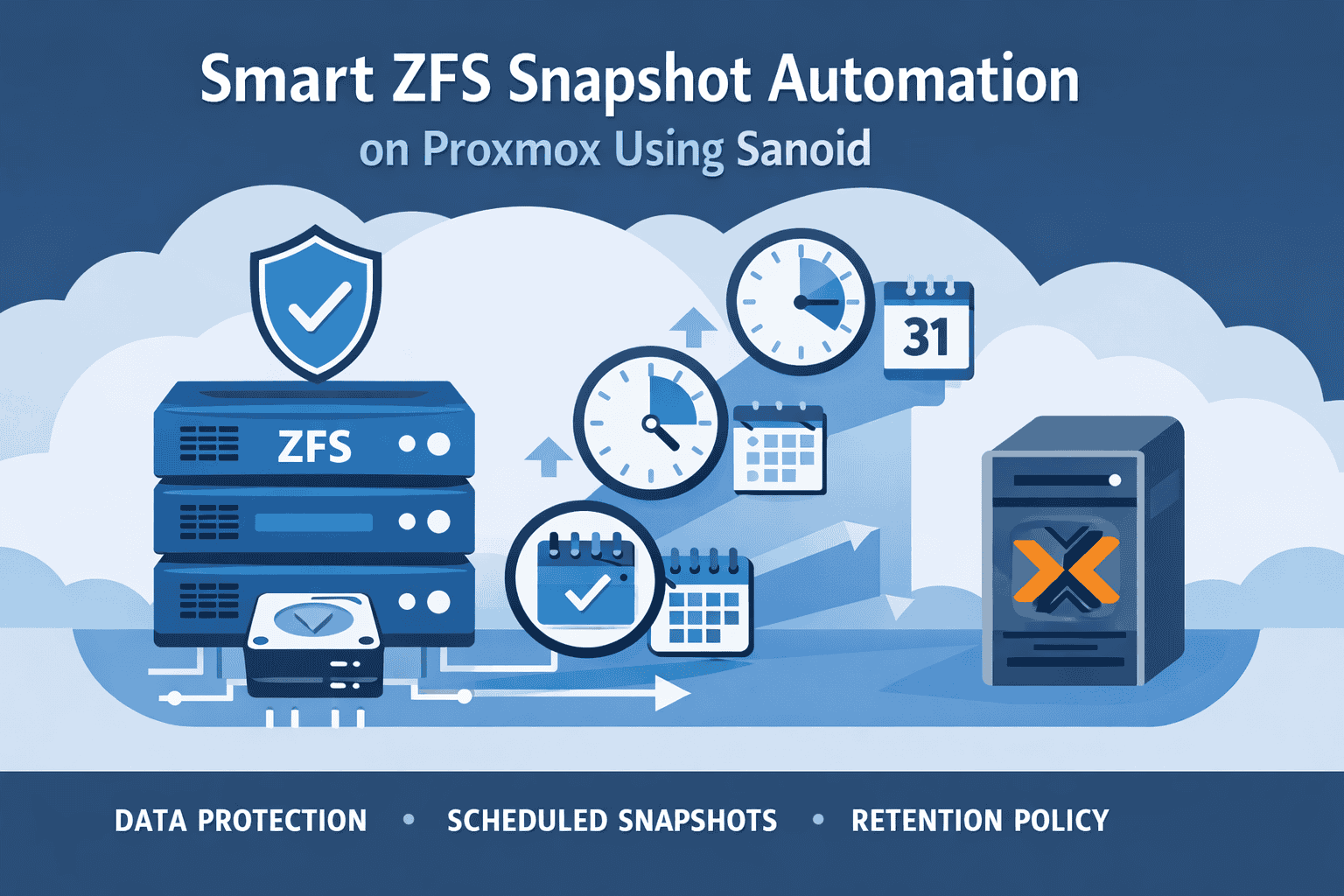
Smart ZFS Snapshot Automation on Proxmox Using Sanoid
5–8 minutesRead more: Smart ZFS Snapshot Automation on Proxmox Using SanoidBest Practices for Reliable Homelab Data Protection The Hidden Risk in Most Homelabs Most homelab setups focus heavily on backups — usually sending VM backups…