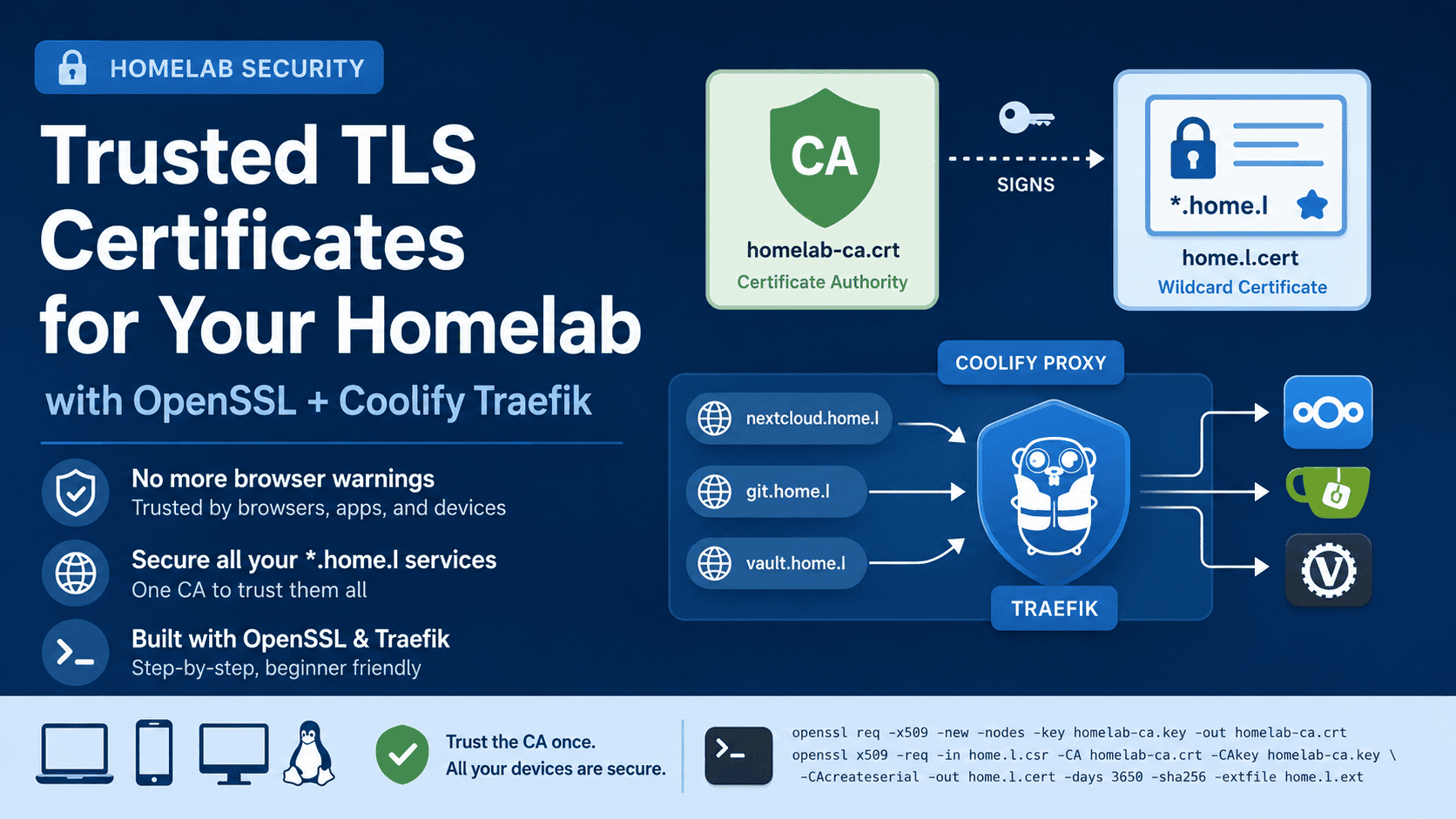
How to Set Up Trusted HTTPS for Local Homelab Domains (Coolify + Traefik)

⏱ 5 min read

If you’re running self-hosted services in your homelab — Nextcloud, Gitea, Vaultwarden, or anything else — you’ve probably run into the dreaded “Your connection is not private” warning, or worse, apps that flat-out refuse to connect over HTTPS. In this guide I’ll show you exactly how to set up a proper trusted TLS certificate for …

Read more

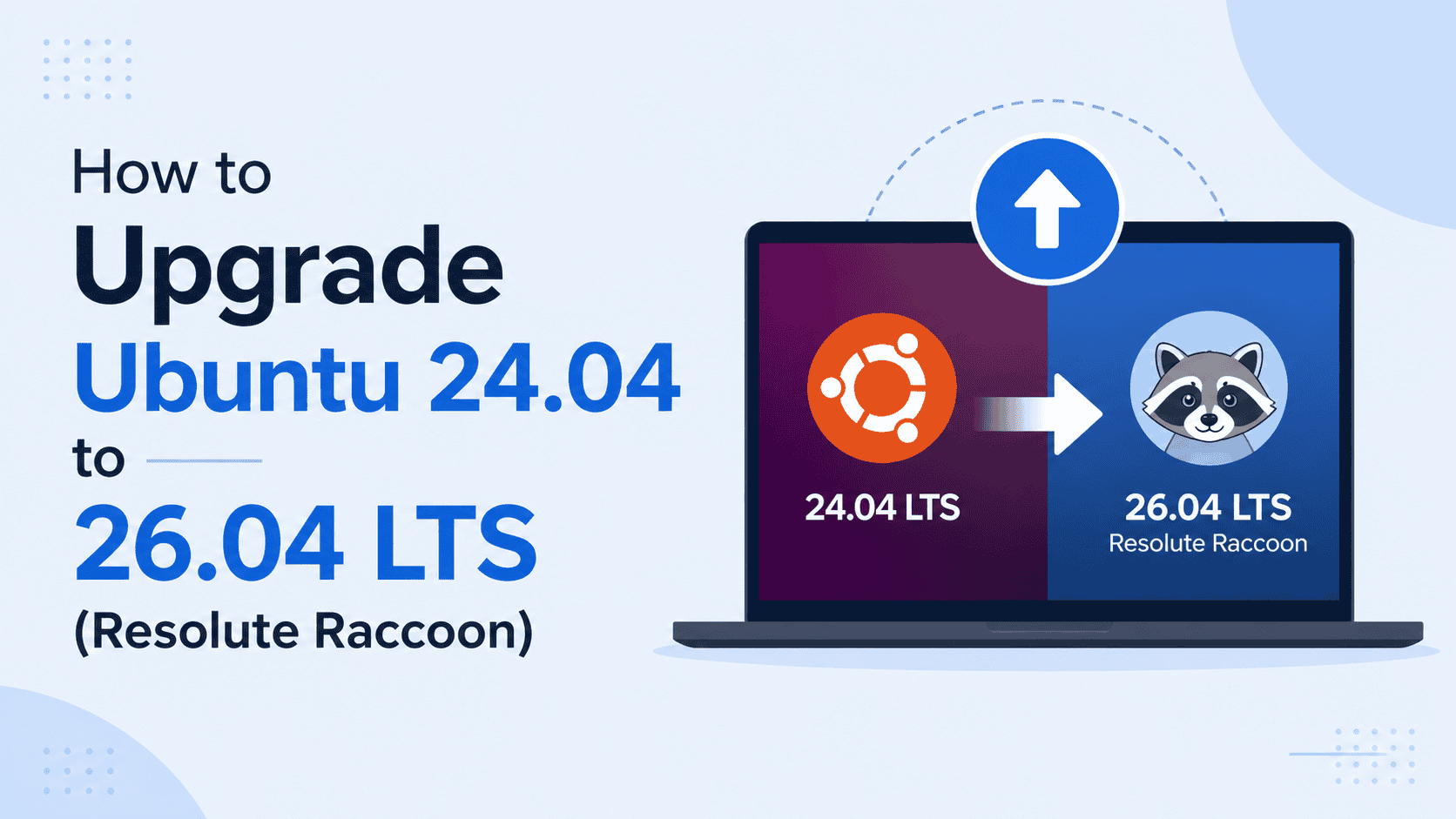
How to Upgrade Ubuntu 24.04 to 26.04 LTS (Resolute Raccoon)

⏱ 13 min read

So Ubuntu 26.04 LTS is finally here. Resolute Raccoon dropped on April 23, 2026, and honestly, this one is worth getting excited about — GNOME 50, Linux kernel 7.0, a Rust-powered sudo replacement, and native NVIDIA CUDA in the official repos. If you have been sitting on Ubuntu 24.04 and wondering whether now is a …

Read more

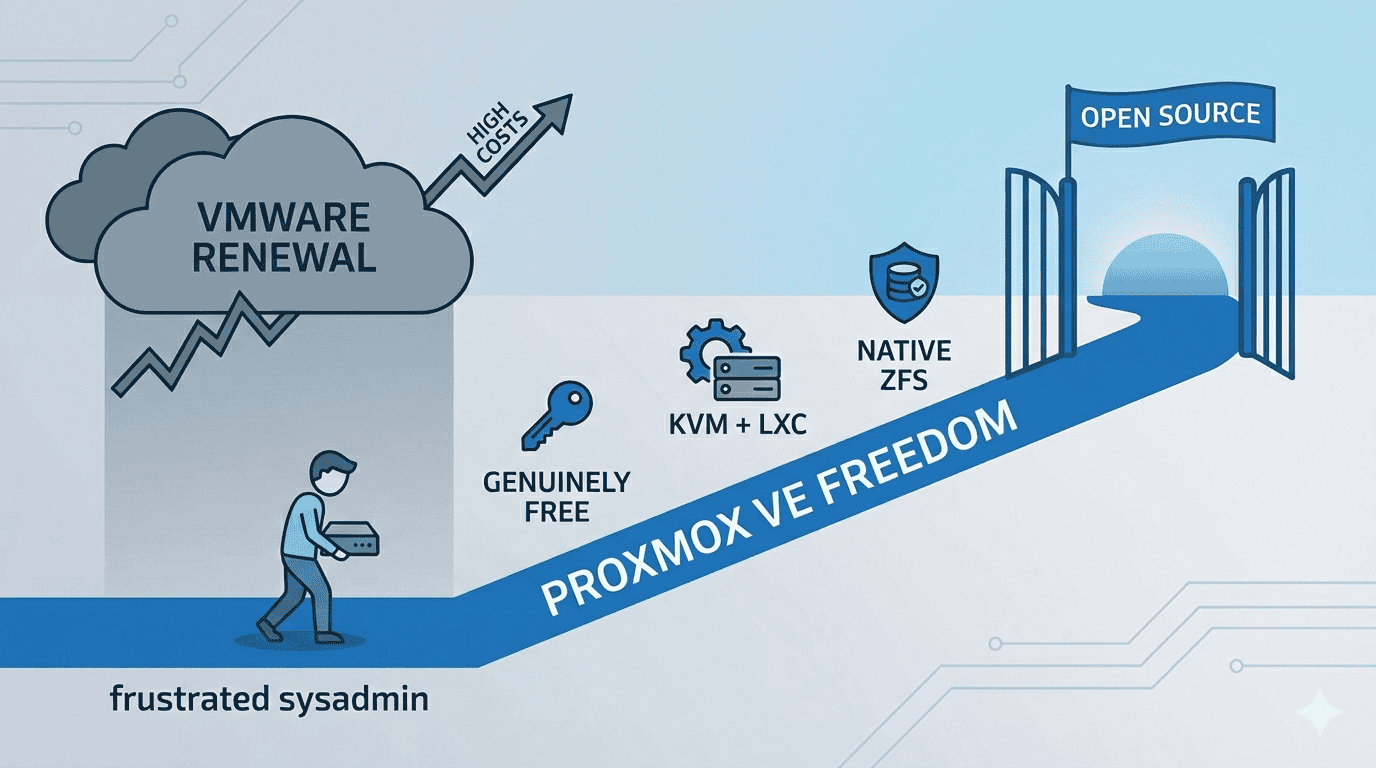
Escape the VMware Tax: How to Migrate from VMware ESXi to Proxmox VE in 2026

⏱ 14 min read

A complete, no-fluff guide — from frustrated sysadmin to Proxmox freedom 1. The Email Nobody Wanted to Open Picture this: It’s a regular Tuesday morning. You pour your coffee, open your inbox, and there it is — the VMware renewal notice. You click it. You scroll down. You blink. You scroll back up. You think …

Read more

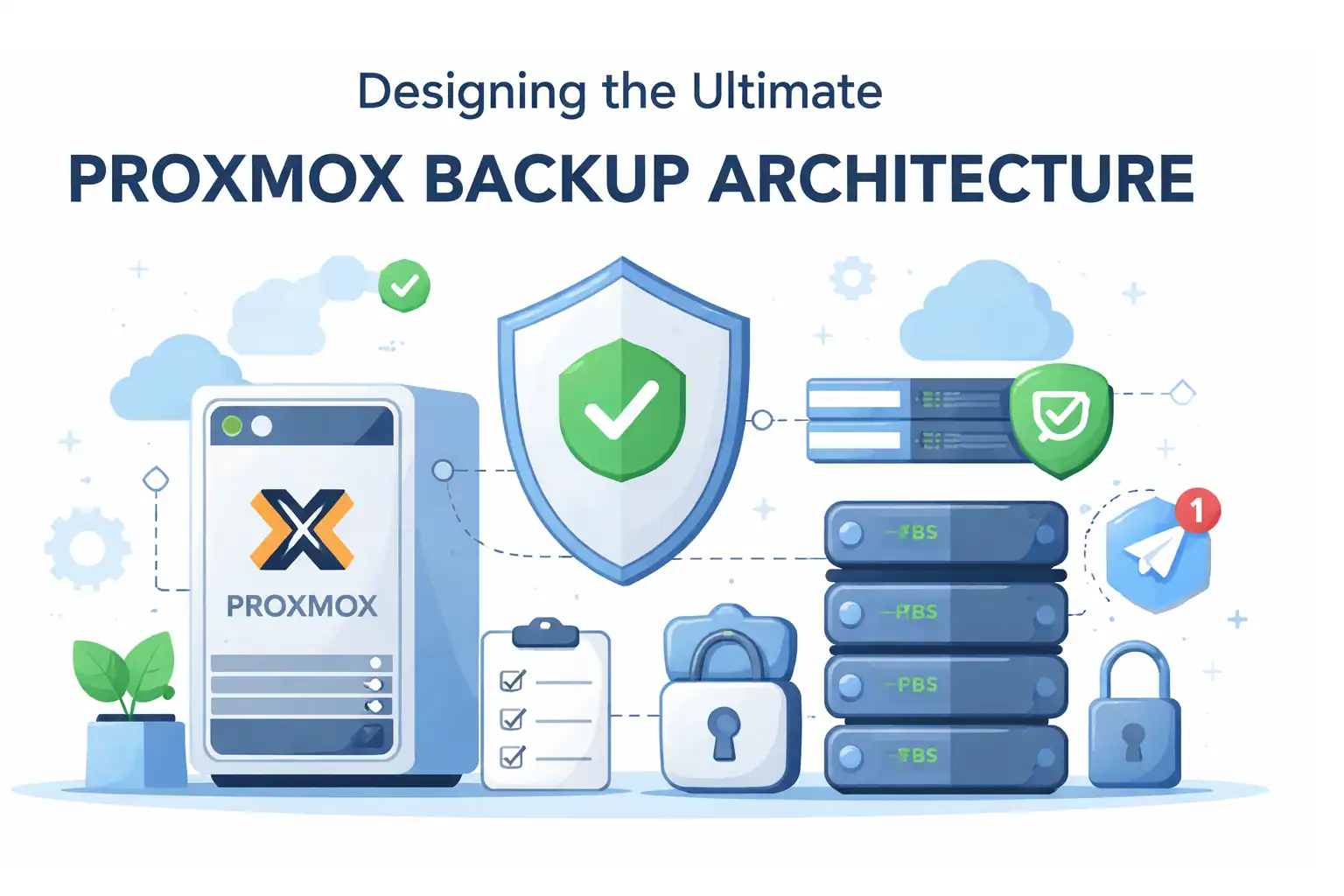
The Ultimate Proxmox Backup Architecture Series | ZFS • PBS • Automation • Telegram Alerts 2026 Edition

⏱ 4 min read

For a long time, I thought my homelab backups were solid. I had scheduled jobs.I had green checkmarks.Everything looked clean in the Proxmox UI. And honestly? I felt pretty confident. Until one night I asked myself a simple question: “What happens if my main server dies completely?” Not just a disk failure.Not just a VM …

Read more

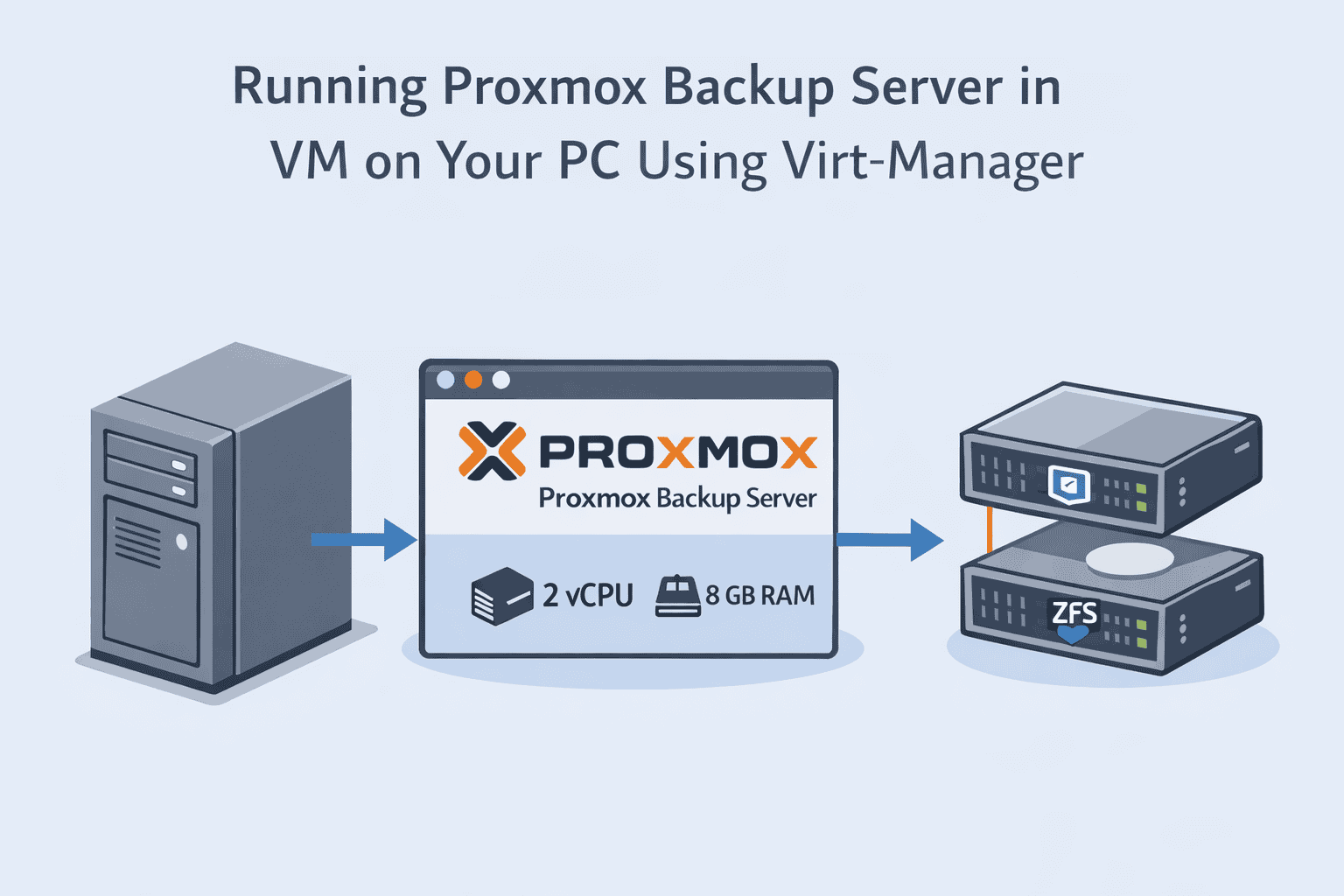
Running Proxmox Backup Server on Your Main PC Using Virt-Manager (Off-Host PBS Setup)

⏱ 4 min read

Running PBS on the same server as your production VMs is risky. If the host fails, your backups fail too. But you don’t need to buy dedicated hardware — running PBS in a VM on your main PC is safe, flexible, and efficient. In this guide, we’ll show you how to run Proxmox Backup Server …

Read more

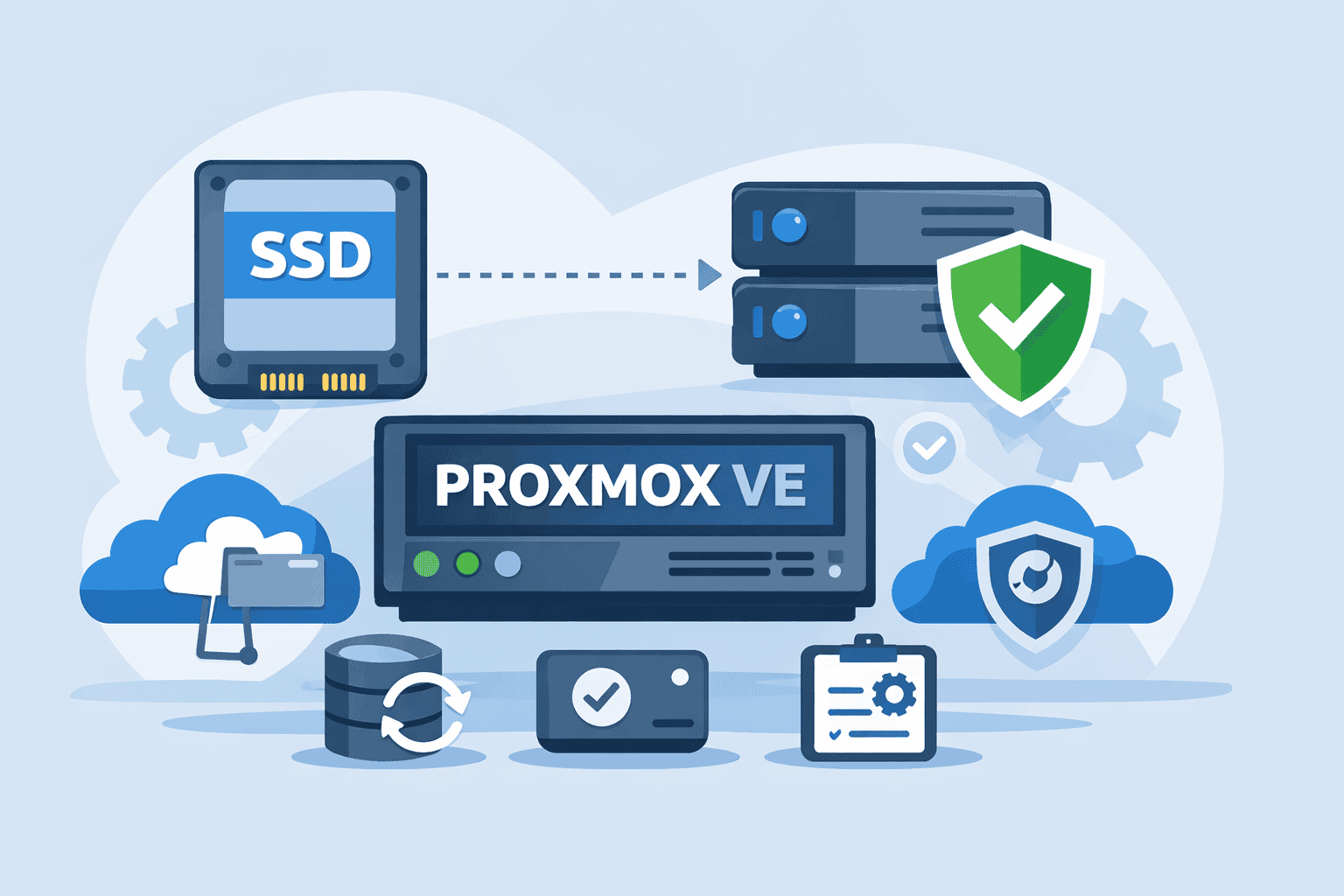
Installing Proxmox VE with SSD VM Storage and ZFS HDD Mirror for Data (Best Homelab Layout)

⏱ 5 min read

In Part 1, we designed a complete enterprise-style backup architecture for homelabs using: Now it’s time to build the foundation that makes all of this possible. And here’s something many guides get wrong: Not all storage in a Proxmox system should be ZFS. A well-designed homelab separates performance storage from capacity storage. Today we’ll build …

Read more

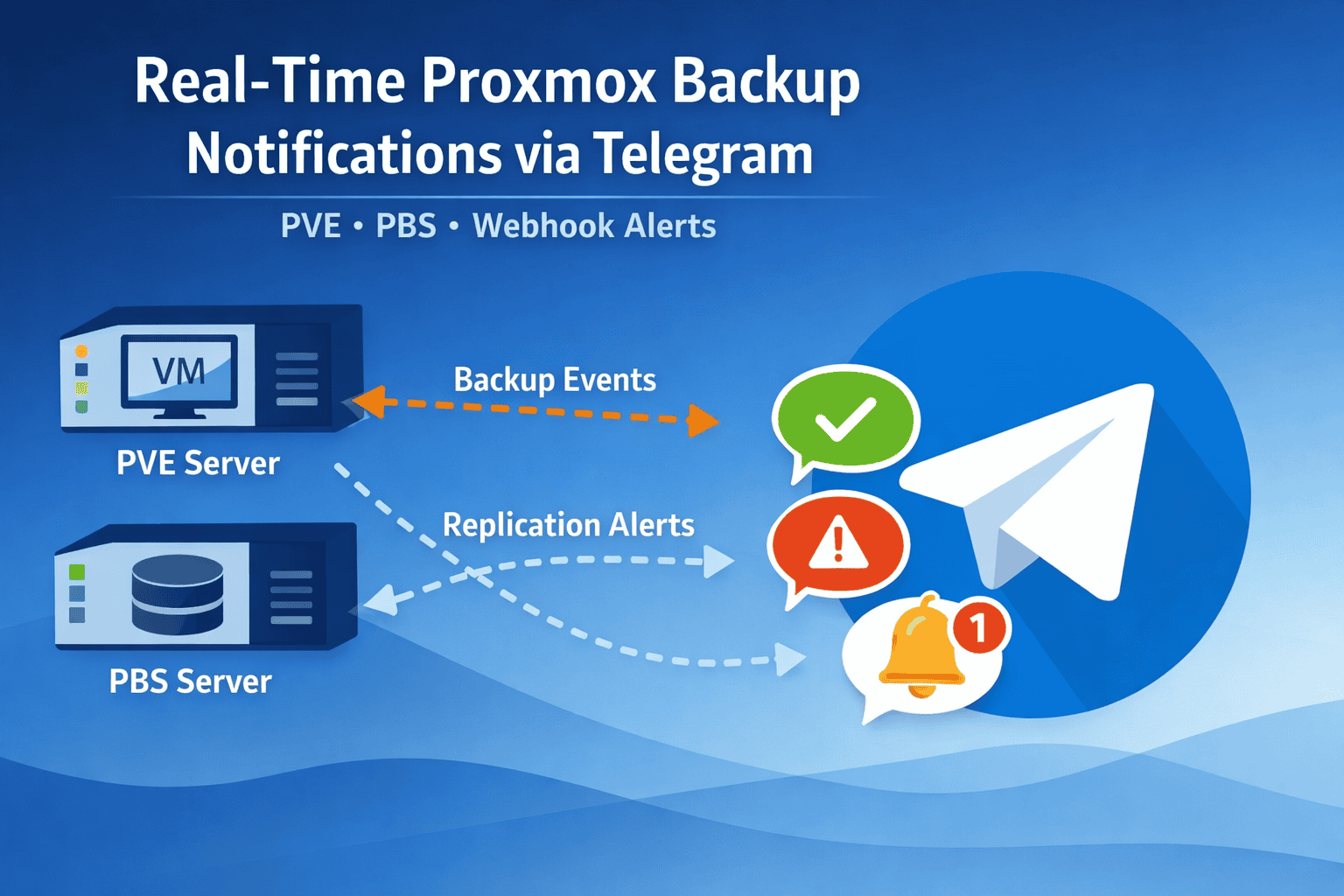
Real-Time Proxmox Backup Notifications via Telegram (PVE + PBS)

⏱ 3 min read

Why Telegram Notifications Matter Even a small backup failure can go unnoticed without alerts. Telegram notifications give you: Example scenarios: Using Built-In PVE and PBS Webhook Notifications Both Proxmox VE and PBS support webhook notifications, which can send messages directly to Telegram. Example PVE webhook URL for Telegram: How to configure: PBS notifications are similar: …

Read more

How to Backup Proxmox VMs to PBS for Maximum Efficiency

⏱ 5 min read

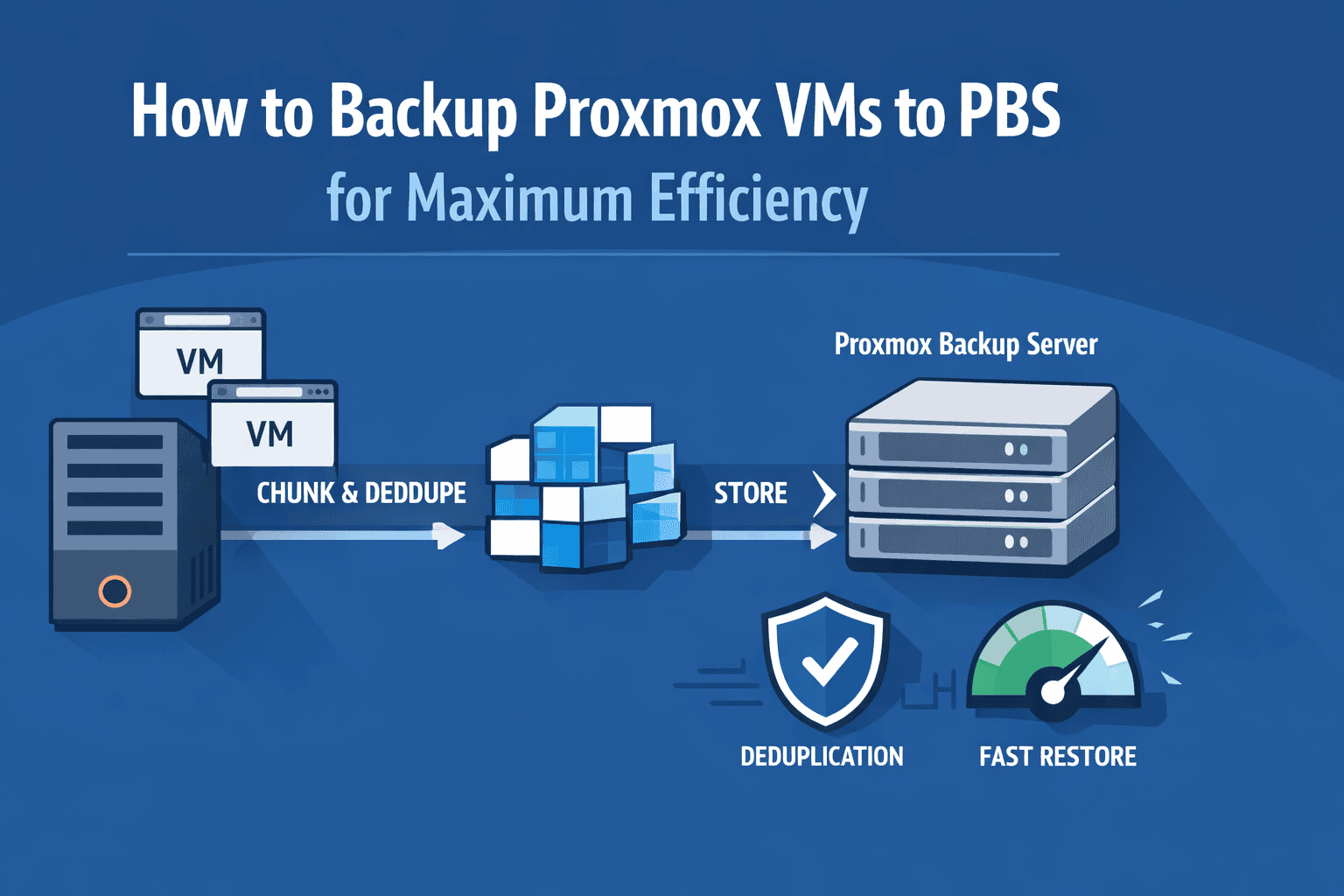
The Reality of Typical Homelab Backups Most homelab backups start the same way: You schedule nightly backups… and everything looks fine — until you actually need to restore. Then you discover the painful truth: This happens because traditional VM backups are full-image copies every time. They don’t understand what actually changed. They just copy everything …

Read more

Smart ZFS Snapshot Automation on Proxmox Using Sanoid

⏱ 6 min read

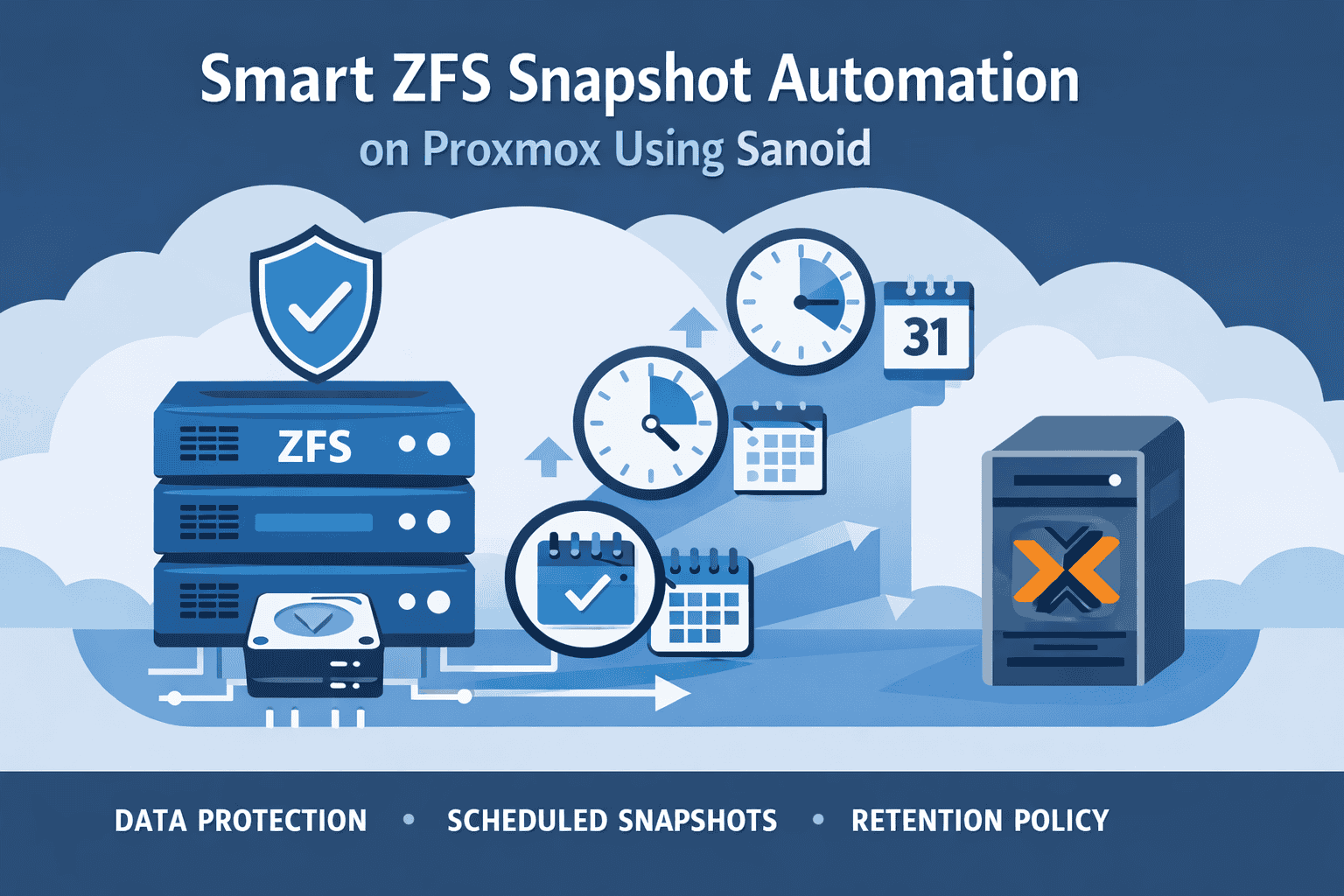
Best Practices for Reliable Homelab Data Protection The Hidden Risk in Most Homelabs Most homelab setups focus heavily on backups — usually sending VM backups to another disk or a backup server once per day. But in real-world usage, most data loss doesn’t come from disasters. It comes from: And these problems often happen between …

Read more

Building a Fully Automated Proxmox Backup Workflow with Custom Scripts

⏱ 4 min read

Automating backups in a Proxmox + ZFS environment is crucial for reliability, consistency, and peace of mind. Manual backups are slow and error-prone, but with a fully scripted workflow, you can ensure that snapshots, replication, VM backups, and notifications run seamlessly in the background. This guide will show you how to implement a real-world, modular …

Read more