
This post is part of the Self-Hosting Without Pain series
A real-world guide to running Immich, Nextcloud, Jellyfin, and more using Cloudflare, Tailscale, and Proxmox — without broken uploads, buffering, or exposed ports.
If you self-host Nextcloud long enough, you eventually hit that moment.
You upload a big file.
It stalls at 98%.
You retry.
It fails again.
And then you start blaming PHP, Nginx, memory limits, your ISP, the moon… until you realize:
“Oh. Cloudflare is in the middle again.”
This post is the Nextcloud version of my Immich setup — and honestly, it works even better.
The core problem (and why it’s not really Nextcloud’s fault)
Cloudflare Tunnel is great. I still use it.
But it was never designed for heavy, long-lived uploads.
With Nextcloud, that usually shows up as:
- Large uploads are randomly failing
- Desktop sync clients are slowing down
- WebDAV behaving… weird
- Timeouts you can’t fully control
You can tweak limits forever, but at some point you’re fighting the wrong layer.
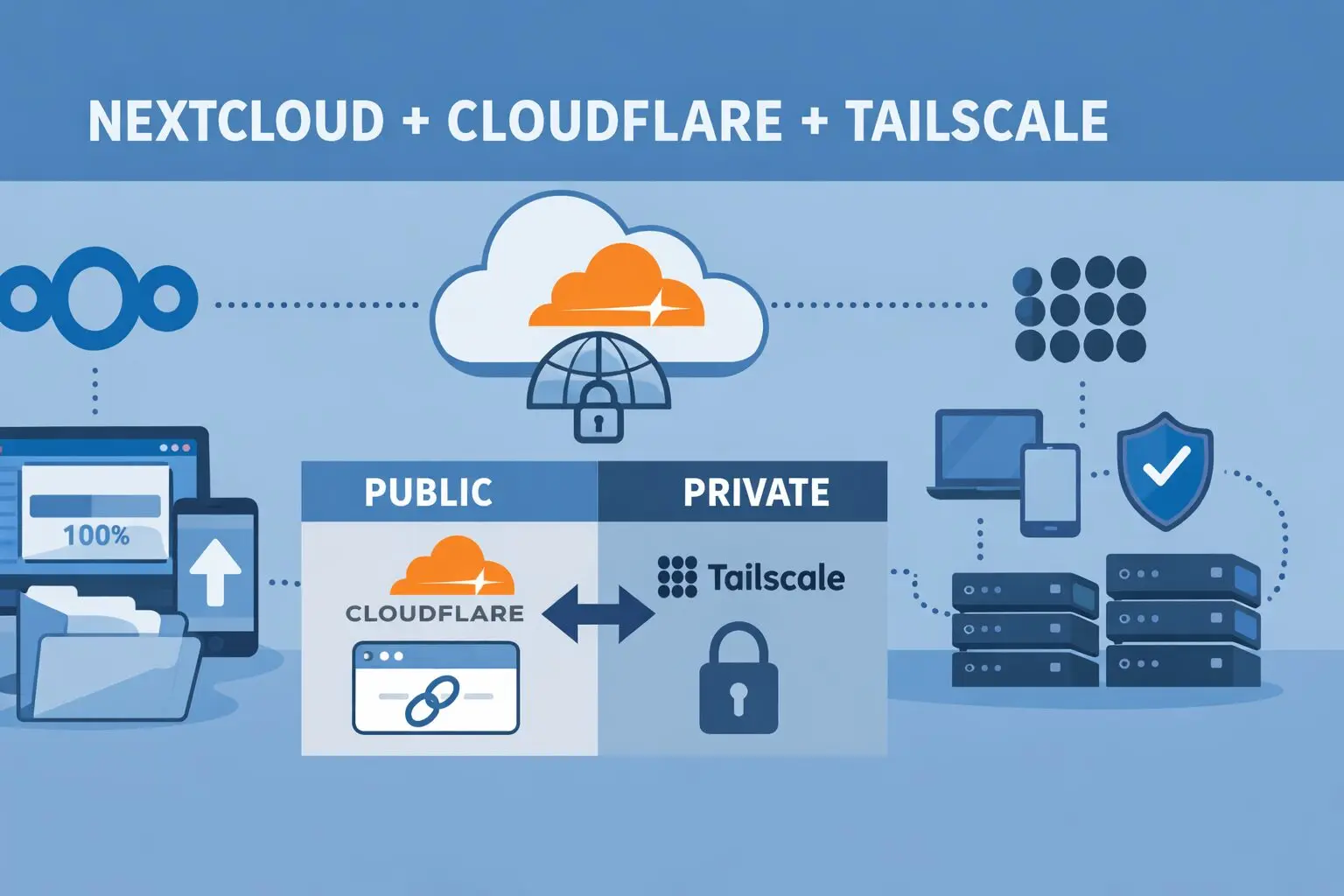
So instead of forcing everything through Cloudflare, I split the traffic.
The mindset shift that fixed everything
Instead of asking:
“How do I make Cloudflare better for uploads?”
Ask:
“Which traffic actually needs to be public?”
Turns out… not much.
What needs to be public?
- Share links
- File drop links
- Read-only access for others
What doesn’t?
- Sync clients
- Mobile apps
- Admin access
- Big uploads
- WebDAV
Once you separate those, everything clicks.
The setup (simple, effective)
🔹 Public access → Cloudflare Tunnel
- Domain like:
https://cloud.example.xyz - Used for:
- Public shares
- Occasional browser access
- No open ports
- Real IP hidden
- Existing links keep working
🔹 Private access → Tailscale (via Proxmox)
- Tailscale is installed on the Proxmox host
- Proxmox acts as a subnet router
- All VMs (Nextcloud, Jellyfin, Immich) are reachable privately
- Used for:
- Desktop sync
- Mobile app
- Large uploads
- Admin tasks
This way:
- Cloudflare handles visibility
- Tailscale handles reliability
“Wait… can Nextcloud handle public links like this?”
Yes — and this is where Nextcloud shines.
Nextcloud has native public sharing:
- File links
- Folder links
- Password protection
- Expiry dates
- Upload-only links (File Drop)
Example:
https://cloud.example.xyz/s/AbC123XYZ
No login. No Tailscale. Just works.
That means:
- Friends
- Clients
- Family
…don’t need to know (or care) how your server is wired.
The one setting you MUST get right
This part matters more than people think.
In config.php:
As I use coolify, my config.php file available inside the docker container at: /config/www/nextcloud/config
'overwrite.cli.url' => 'https://cloud.example.xyz',
'overwritehost' => 'cloud.example.xyz',
'overwriteprotocol' => 'https',Why?
Because without this:
- Share links might use internal IPs
- Emails may leak private addresses
- Some clients behave inconsistently
With it:
- All public URLs stay clean
- Old links keep working
- Life is peaceful again
What changed after this setup
Honestly? Night and day.
- Large uploads just… upload
- Desktop sync is fast and stable
- Mobile app stops randomly failing
- Public shares still work
- No ports opened on my router
- Way fewer “why is this broken?” moments
And the best part:
I stopped babysitting Nextcloud.
Why this works so well on Proxmox
Putting Tailscale on the Proxmox host (not each VM) means:
- One install
- One place to manage access
- All VMs benefit automatically
Final thoughts
If you’re self-hosting Nextcloud and pushing real data through it:
- Cloudflare Tunnel is great for sharing
- Tailscale is perfect for working
- Mixing them blindly causes pain
- Separating responsibilities fixes it
This setup feels like how Nextcloud wants to be used — public where needed, private where it matters.
Up next in the series:
- Immich Upload Limit Fix: Cloudflare Tunnel + Tailscale on Proxmox (Best Practice)
- Jellyfin, Cloudflare, and Tailscale: Stop Buffering and Streaming Headaches
If you self-host and have ever said “this should be simpler” — this series is for you.

I’m a software engineer with roots in embedded systems and a growing focus on DevOps and self-hosted infrastructure. CKA certified, CCNA background, and a homelab that never sleeps — running Proxmox, Kubernetes, Docker, Coolify, and more. On techlino.net I share practical guides on Linux, virtualization, and infrastructure built from real experience.
[…] ➡️ Nextcloud deep dive → […]
[…] Nextcloud, Cloudflare, and Tailscale: How I Finally Stopped Fighting Upload Limits […]
[…] Nextcloud, Cloudflare, and Tailscale: How I Finally Stopped Fighting Upload Limits […]