
Hey there, this is just a hello world post, testing how code block works.
So we installed Prismatic, and it looks nice!
WordPress default code block is fine, but this looks better!
Here is a c code snip comparison:
int main()
{
    printf("hellow world \n");
    return 0;
}
int main()
{
printf("Hellow world!\n");
return 0;
}Now let’s install Wordfence for security.
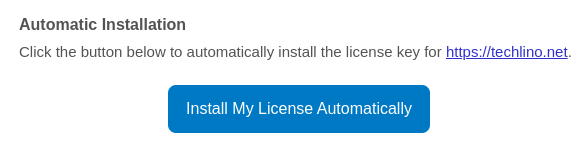
After activating, you will get an email with a license key (free):
First thing I like to enable with Wordfence is 2FA:
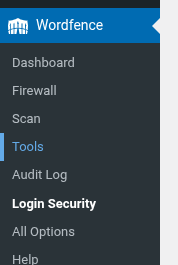
Under tools, Login security, scan the QR code with your phone authentication app, and that’s it!
Please remember to save your recovery codes, as it is important in case you lose access to your phone. I like to save them in BitWarden.
Now, every time you log in to your WordPress site from a new device, you must enter the code from the app!
Next, I will install Antispam Bee. It is a wonderful plugin for protecting your site against spammy comments!
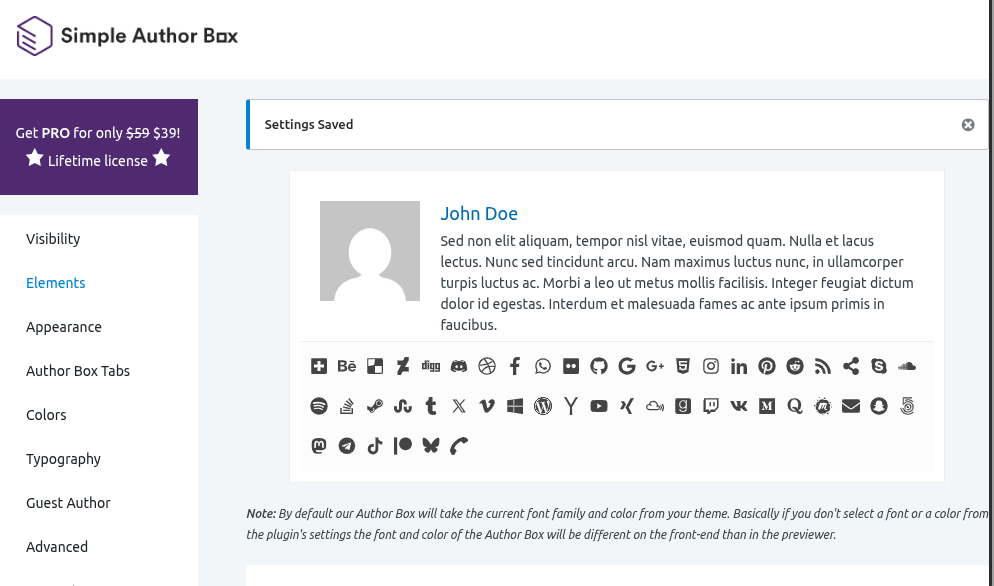
Next, we install Simple Author Box, it gives your posts a nice, handy feel
Then, I install Burst, a privacy-respecting statistics plugin.
That’s it for now, next we will install a theme, light one, keep up with Techlino 🙂
Thank you!

I’m a software engineer with roots in embedded systems and a growing focus on DevOps and self-hosted infrastructure. CKA certified, CCNA background, and a homelab that never sleeps — running Proxmox, Kubernetes, Docker, Coolify, and more. On techlino.net I share practical guides on Linux, virtualization, and infrastructure built from real experience.
Hello World